Board Minutes Posted in the Members Only Section of the New Website
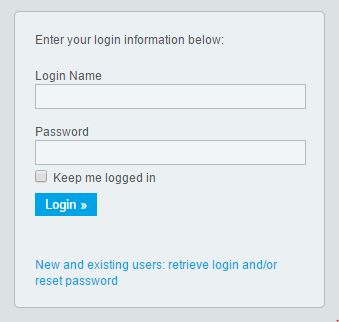 How to log-in it's easy! To get your password, go to the “Login” page by clicking here or the image on the left, then click on “New and existing users - Retrieve your password.” This will direct you to the “Get Password” screen.
You will be asked to enter your last name and the email address you use for the Club. Once you click on “Get Login Info,” you will receive an email with your login info, shortly. Please note, that the last name and email address you provide must match what is on the record for security purposes.
If you are unable to get your password, please email support@clubrunner.ca with your name and the name of our club and it will be emailed to you.
Board minutes are posted in "My ClubRunner" in the "View Club Documents" monthly.